

Amazon S3
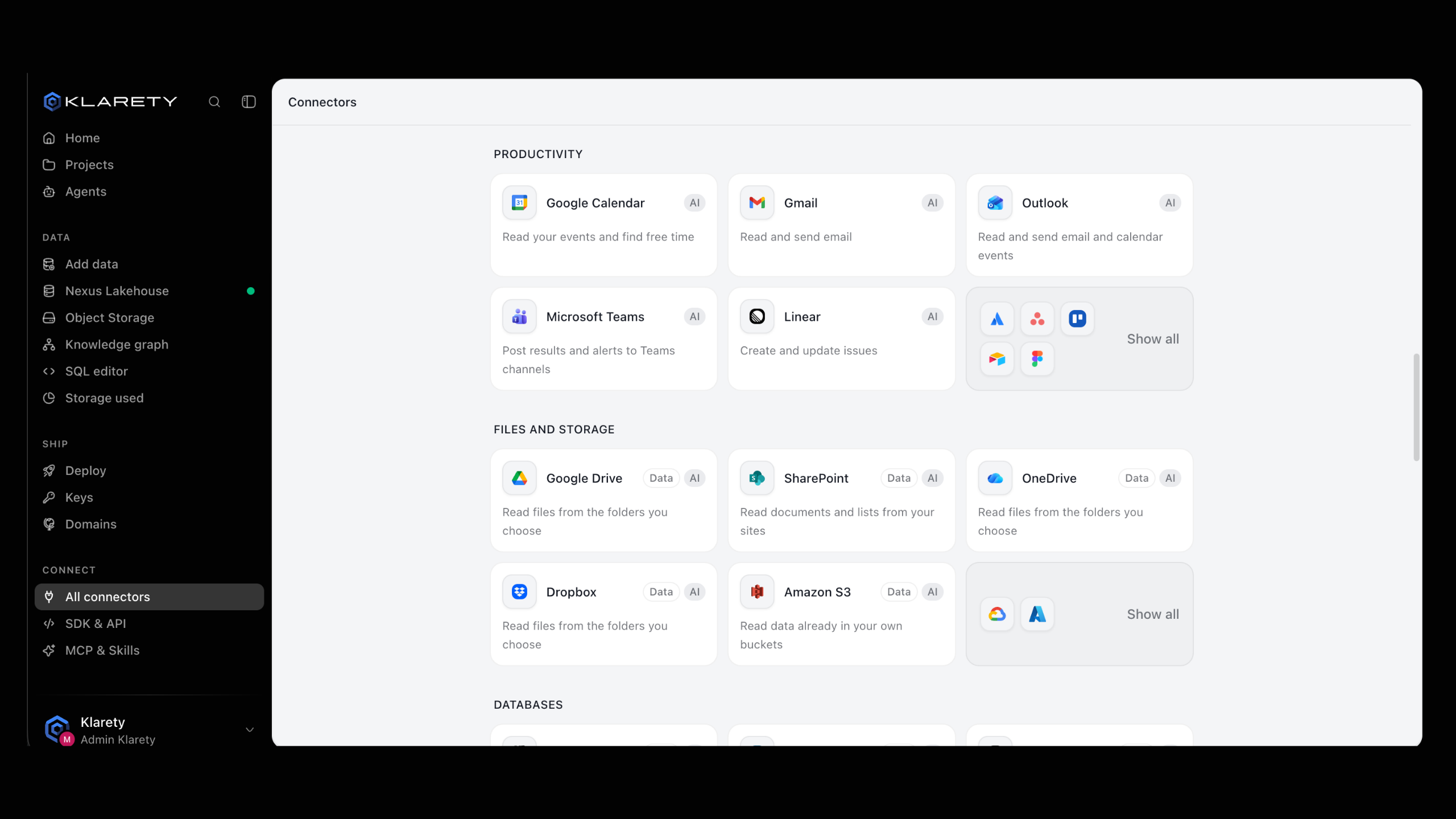
Read data already in your own buckets, without moving files by hand.
Read data in your own Amazon S3 buckets, from CSV and Parquet to imagery, and bring it into . Read-only access is enough, and no secret changes hands.
Before you start
Owners and admins only
Only owners and admins add bucket connections. See Members and roles.
- Your bucket. Its name, its region, and optionally a folder (prefix) to limit what Klarety may read.
- Permission to edit the bucket policy, or someone in your team who has it.
How it works
- You create a connection that names your bucket.
- Klarety gives you a bucket policy. You paste it onto your bucket in your own AWS account.
- Klarety reads that bucket (or just the prefix) in place. Nothing is copied first and no key is stored.
To stop access, remove the policy or delete the connection.
Connect a bucket
Bucket connections are made in code by an owner or admin (switch to In code above). For a few files, upload them with Add data.
You can also open Amazon S3 on Connectors and use Connect it with your 's AI. The AI prepares the connection, but only a person adds the bucket policy.
Create the connection
from klarety import Nexus

nx = Nexus.connect("YOUR_API_KEY")

connection = nx.connections.create(
    "raw-files",
    bucket="your-bucket",
    region="us-east-1",
    prefix="exports/",
)
connection_id = connection["connection_id"]

grant = nx.connections.grant_policy(connection_id)
print(grant["policy"])
prefix is optional and limits reading to that folder. writable defaults to False; keep it to read only.
Paste the policy onto your bucket
In your AWS account, add the printed policy to the bucket's policy under its permissions. If one exists, add the new statement rather than replacing it.
Test it
print(nx.connections.test(connection_id))reachable is True when Klarety can read the bucket; otherwise reason says what to fix. test never raises when the bucket is unreachable.
Read files into Nexus
Ask your Studio's AI to load files from the bucket, for example: "Load every Parquet file under 2026/ into a table called orders." The rows land in a you can query in the DataSQL editor.
from klarety import Nexus

nx = Nexus.connect("YOUR_API_KEY")
connection_id = "YOUR_CONNECTION_ID"

check = nx.connections.test(connection_id)
print(check["reachable"], check["reason"])

for entry in nx.connections.browse(connection_id, "2026/"):
    print(entry["key"], entry["is_prefix"], entry.get("size_bytes"))

run = nx.connections.read(connection_id, "2026/orders.parquet", into="orders")
print(run["run_id"], run["state"])
print(nx.ingest_status(run["run_id"]).state)
browse(connection_id, path)lists one page of the bucket underpath: folders (is_prefix) and files with their size and detected format.read(connection_id, path, into=..., key=[...])loads one object like an upload.intonames the table;keylists the columns that identify a row, so a later load updates rows instead of duplicating them.readreturns at once with arun_id. Follow it withnx.ingest_status(run_id).list(),describe(connection_id)anddelete(connection_id)manage connections.
Errors and fixes
| What happens | What to do |
|---|---|
test says it cannot read | The policy is missing or does not match. Paste it again from grant_policy. |
| 403 when creating | Only owners and admins add connections. |
| 404 on a connection | The ID is wrong, or you have no access to that connection. |
| A path is refused | The path is outside the connection's prefix, or contains ... |
read is refused for the region | Klarety cannot read a bucket in that region. Use a bucket in a supported region. |
See Errors for the error format.