

Authentication
API keys, the one-hour token, key rotation and keychain storage.
Every call uses a short-lived token. The exchanges your for a one-hour token and renews it for you. With raw HTTP, you do the exchange with one request.
API keys
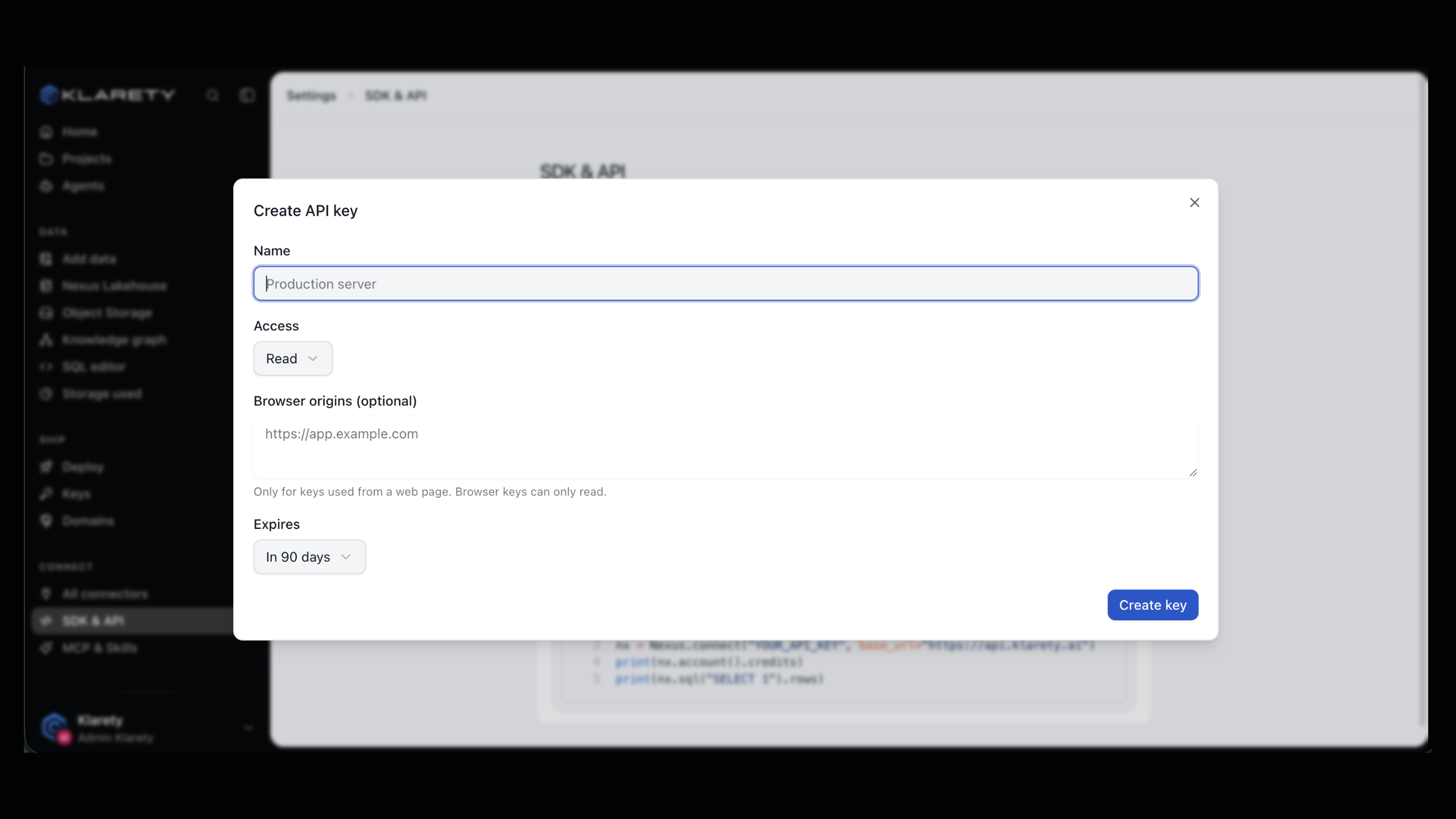
An API key acts as your and spends its . Each key has:
- a Name, to tell keys apart;
- an Access level, which decides what the key may do (for example, the fullest level is "Full, including schema changes");
- an optional Expires date;
- optional Browser origins, only for keys used from a web page. Browser keys can only read.
Only workspace admins manage keys. Your plan caps active keys; the keys page shows your count, and Limits shows how to read it in code.
Create a key
Open SDK & API
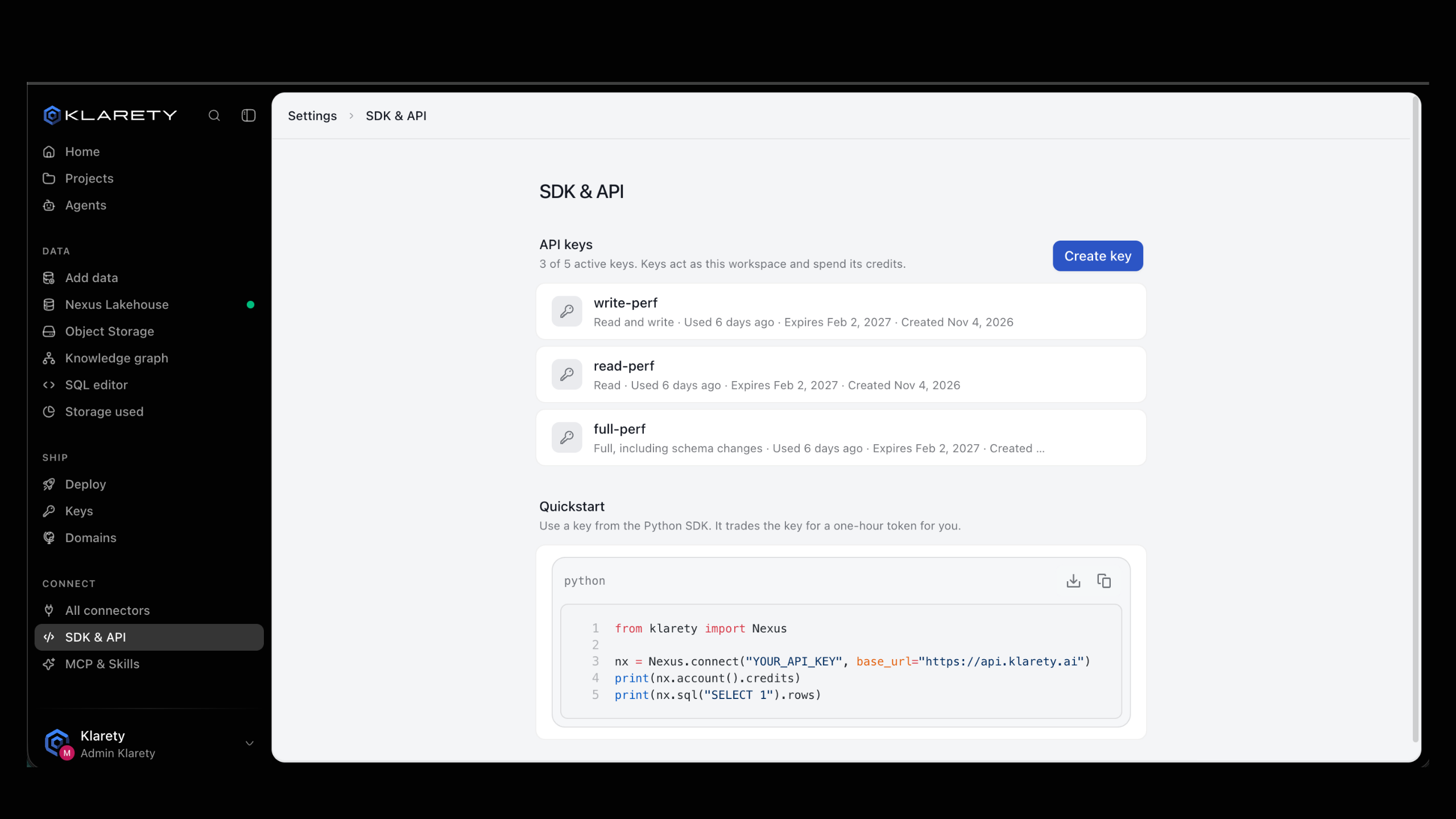
Go to SettingsSDK & API. If the page asks you to verify it is you, do so.
Fill in the key
Select Create key, then set Name, Access and Expires.
Copy it now
Select Create key in the form. Your new API key is shown once: copy it to somewhere safe, such as your secret manager.
Use a key from Python
The SDK looks for the key in this order: the api_key argument, then the KLARETY_API_KEY environment variable.
import os

from klarety import AuthError, Nexus

try:
    nexus = Nexus.connect()  # reads KLARETY_API_KEY
except AuthError as refused:
    raise SystemExit(f"Could not sign in: {refused}")

with nexus:
    print(nexus.account().roles)
Passing the key explicitly works the same way:
nexus = Nexus.connect(api_key=os.environ["MY_KLARETY_KEY"])connect() raises AuthError straight away when no key is found (pass an api key or set KLARETY_API_KEY) or when the key is rejected (api key rejected). A rejected key is wrong, revoked or expired.
How the token is renewed
connect() keeps the token in memory. About five minutes before the hour is up, the next call exchanges the key again, so a long-running process (a worker, a notebook, a server) keeps working. The key never leaves your process except in that exchange.
Use a key from the command line
The CLI stores your key in the operating system's keychain, never in a file:
klarety login "paste-your-key-here"
klarety sql "SELECT 1 AS ok"
klarety logout removes the key from the keychain. See CLI for every command.
Use a key from raw HTTP
Without the SDK, exchange the key for a token first.
curl -s https://api.klarety.ai/v1/token \
  -H "Content-Type: application/json" \
  -d "{\"api_key\": \"$KLARETY_API_KEY\"}"
The answer:
{
  "access_token": "eyJ...",
  "token_type": "Bearer",
  "expires_in": 3600
}
Send the token on every other request:
curl -s https://api.klarety.ai/v1/account \
  -H "Authorization: Bearer $TOKEN"
expires_in is in seconds; exchange again before it runs out. A missing, wrong or expired token always gets the same 401 body, so callers never learn which check failed. See Errors.
Rotate a key
Rotate a key on a schedule, when someone with access leaves, or if it may have leaked. In this order, rotation never interrupts your service:
Deploy it
Replace the old key wherever it was used (secret manager, server environment) and restart or redeploy. Confirm with nexus.account() that it signs in.
Revoke the old key
Select Revoke on the old key, then Revoke key. Anything still using it stops working right away, and this cannot be undone.
At your plan's key limit? Revoke an unused key first.
A leaked key
Revoke it first, then create a replacement. A few minutes of downtime cost less than a key that works for someone else.
What can go wrong
| Problem | Cause | Fix |
|---|---|---|
AuthError at connect() | Key missing, mistyped, revoked or expired. | Check the variable, or create a new key. |
RefusedError on a call | The key's Access does not allow this call. | Use a key with the access you need. |
| No Create key button | You are not a workspace admin. | Ask an admin to create the key. |
401 from raw HTTP after an hour | The token expired. | Call POST /v1/token again. |
Next steps
- SDK quickstart to run a first query.
- Errors for every status code.
- Limits and rate limits to read what your plan allows.