

Klarety MCP
How your AI tools reach your data, with your own access.
Klarety is how the AIs in your work with Klarety. It is built in for Klarety AI and your own tools like Claude Code, Codex and Cursor, connected by default with nothing to install.
MCP (Model Context Protocol) is an open standard that lets an AI use tools. Klarety MCP gives your AI tools for your , so you can ask Claude Code to query a table just as you would Klarety AI.
What it lets your AI do
Every AI in your Studio can work with your:
- and SQL on Nexus, your database
- files and folders
- connections
- deploys
- agents
Always with your own access
Your AI acts as you: it reaches exactly what you can, and nothing more.
- If you cannot see a table, your AI cannot see it either.
- If a teammate opens their own AI in the same Studio, it works with their access, not yours.
- When an admin changes your access in Data access, your AI's access changes with it.
So an AI can work freely in your Studio without getting more than you have.
Where to see it
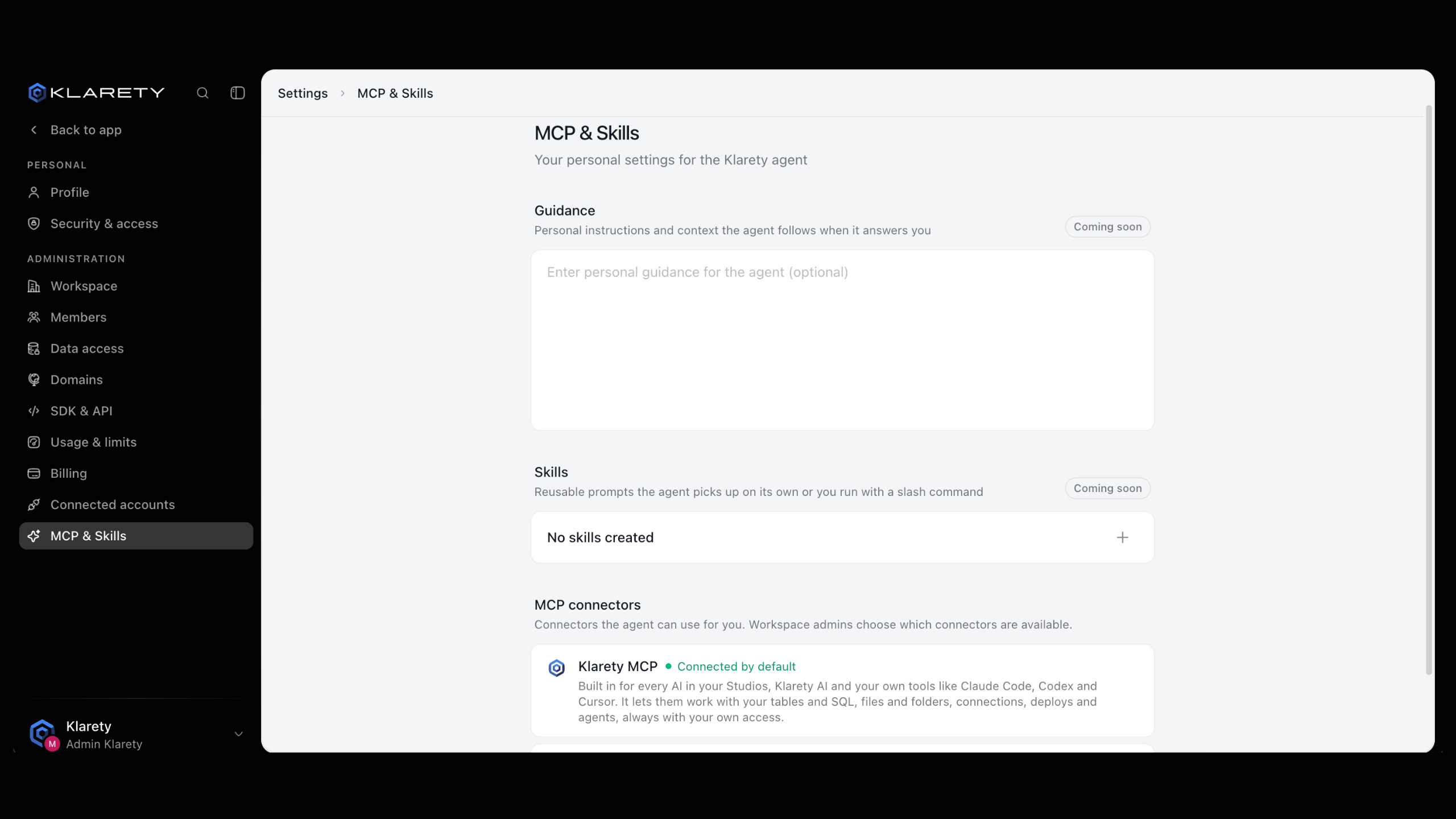
Open MCP & Skills in the sidebar, under Connect. Under MCP connectors, Klarety MCP shows Connected by default.
Try it
Open your AI
In a running Studio, open any AI from the AI tab.
Ask about your data
Ask, for example: "List the tables I can see in Nexus and describe the largest one."
Check the answer
The AI looks up your tables through Klarety MCP. Compare its answer with the tables you see in the app.