

Klarety AI
The AI built into every Studio.
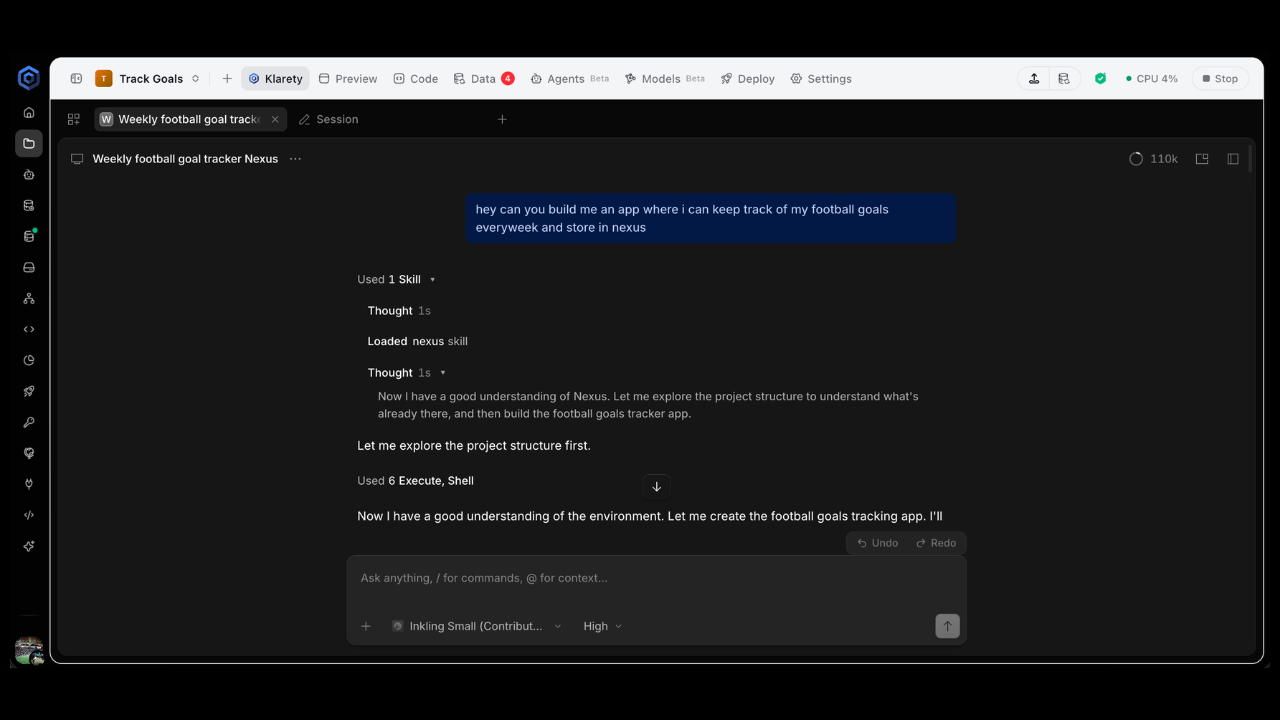
Klarety AI is Klarety's own coding agent. It comes with every , needs no sign-in, and works directly with your project's data and files. Describe what you want and it writes the code, queries your and can deploy the result.
It appears as Klarety in the Studio's AI tabs and as Klarety Code in the list of AI tools.
Before you start
- You need a project and a running Studio. See Create a project.
- There is nothing to connect or sign in to.
Ask Klarety AI to build something
Open the AI tab
In your project's Studio, go to the AI tab and select Klarety.
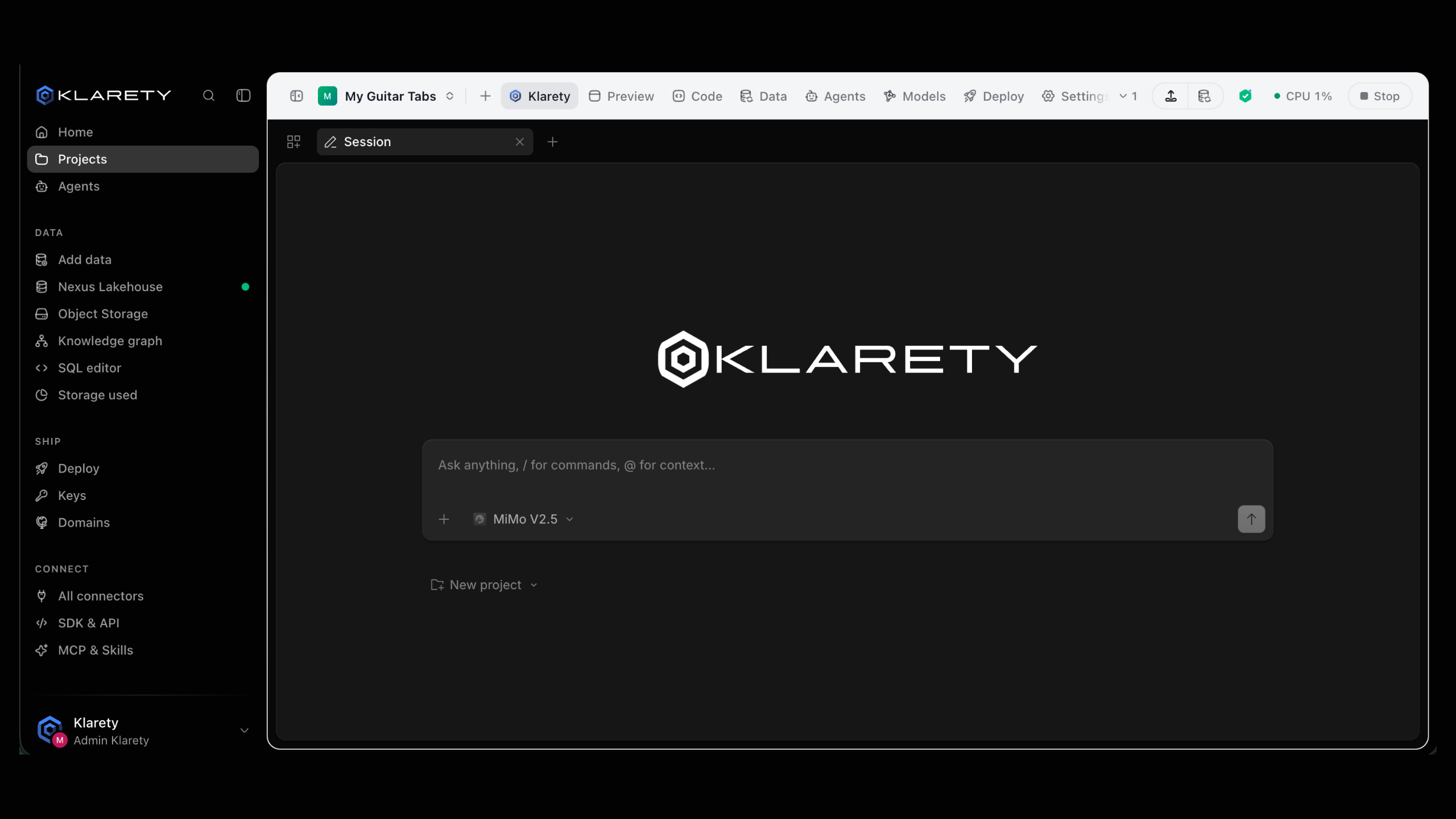
Describe what you want
Use plain words, specific about the data and the result. For example: "Build a dashboard of last month's sales by region from the orders table."
Follow along
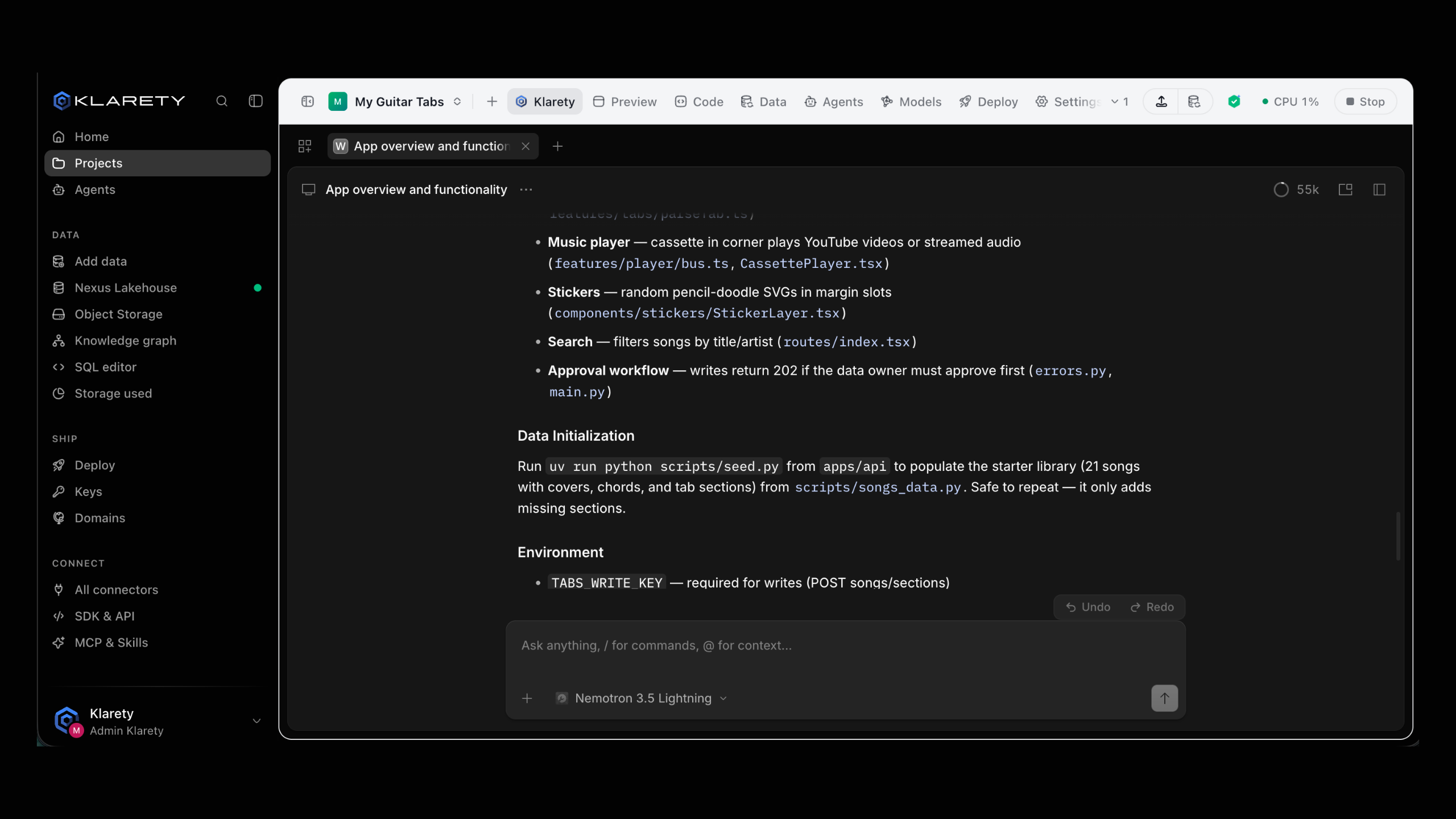
Watch the result in the Preview tab and read the code in the Code tab.
What it can reach
Klarety AI uses the built-in Klarety MCP to work with your tables and , files and folders, connections, and . It always acts with your own access: if you cannot see a table, neither can it.
Make it your default AI
Your default AI is listed first when you open an AI tool and gets work you send from elsewhere in the app. Klarety AI is the default until you choose another.
To change it, open Connectors, go to AI harness, and select Set as default on the AI you want. The current one shows Default.
If your default cannot take a request from where you are, for example because it needs the Studio open, the app says so and sends it to another AI that is ready.
Use it with your own tools
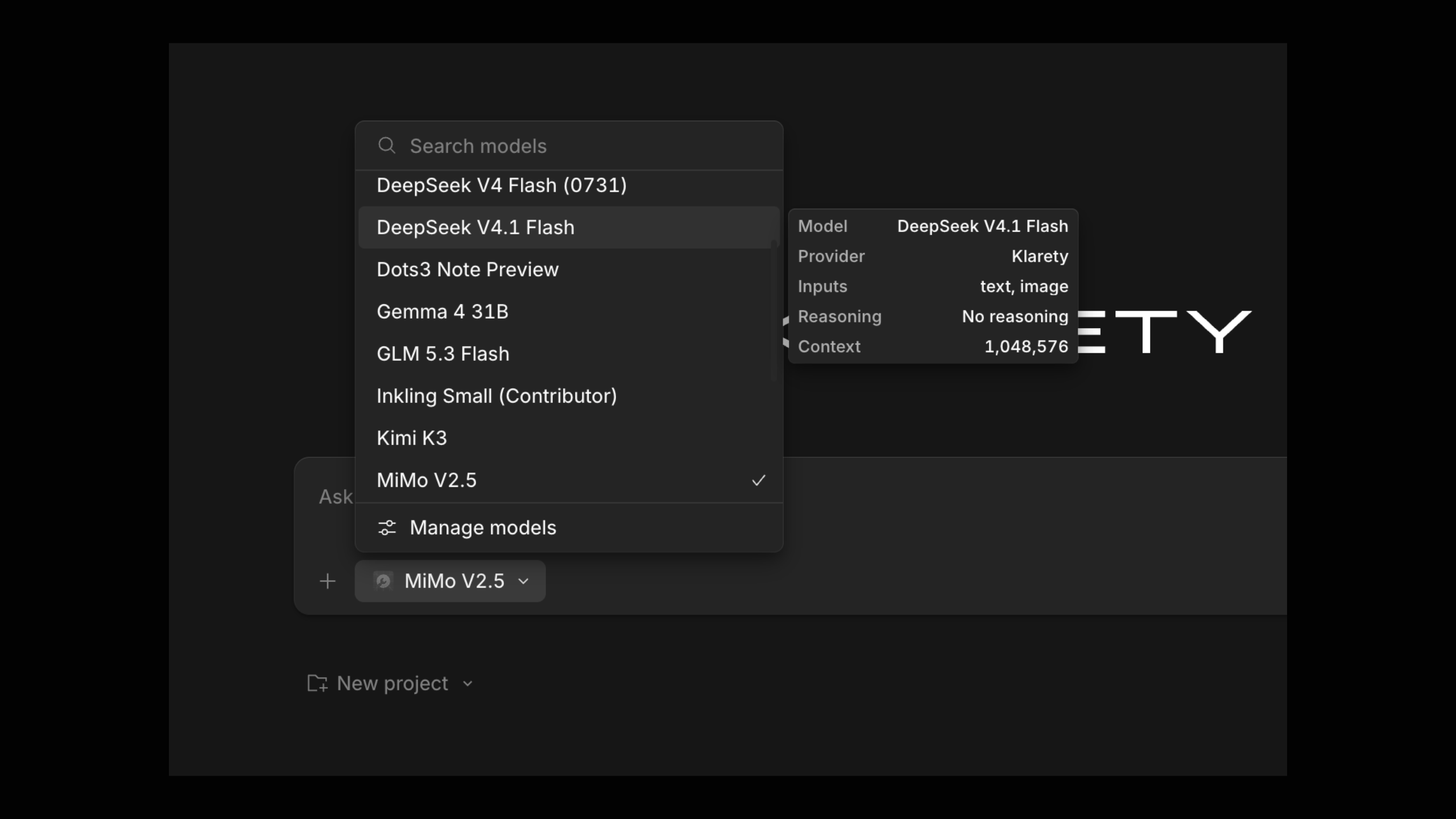
Klarety AI works beside Claude Code, Codex and Cursor in the same Studio. Let it work on your data while your own tool works on the code, or hand a copy from one to the other. See Copies and second opinions.
Conversations
Conversations are under AI sessions in the Studio's side panel, to Continue or Read. They are kept for the project's Keep AI chats for setting, counted from the last message.