

Approvals
When an AI asks to deploy, a person reviews the commit and approves or rejects it before anything builds.
An AI can write code and ask to it, but it never puts an app live by itself. The deploy waits, and nothing builds until a person approves it. A person stays in charge of what visitors see and what the app costs.
When a deploy needs approval
A deploy waits when it was asked for by:
- Your AI tool in a Studio (for example, after you press Deploy on a project without a linked repository, or ask your AI to deploy).
- A teammate's AI tool.
- This project's agent.
- A push from a Studio to the production branch of the linked repository.
A deploy you start in the app, or a push from outside a Studio, does not wait.
Before you start
- You need to be able to change the .
- You approve with your own sign-in in the app. An , a Studio or an AI cannot approve or reject a deploy.
Approve or reject a deploy
Open the project's Deploy page
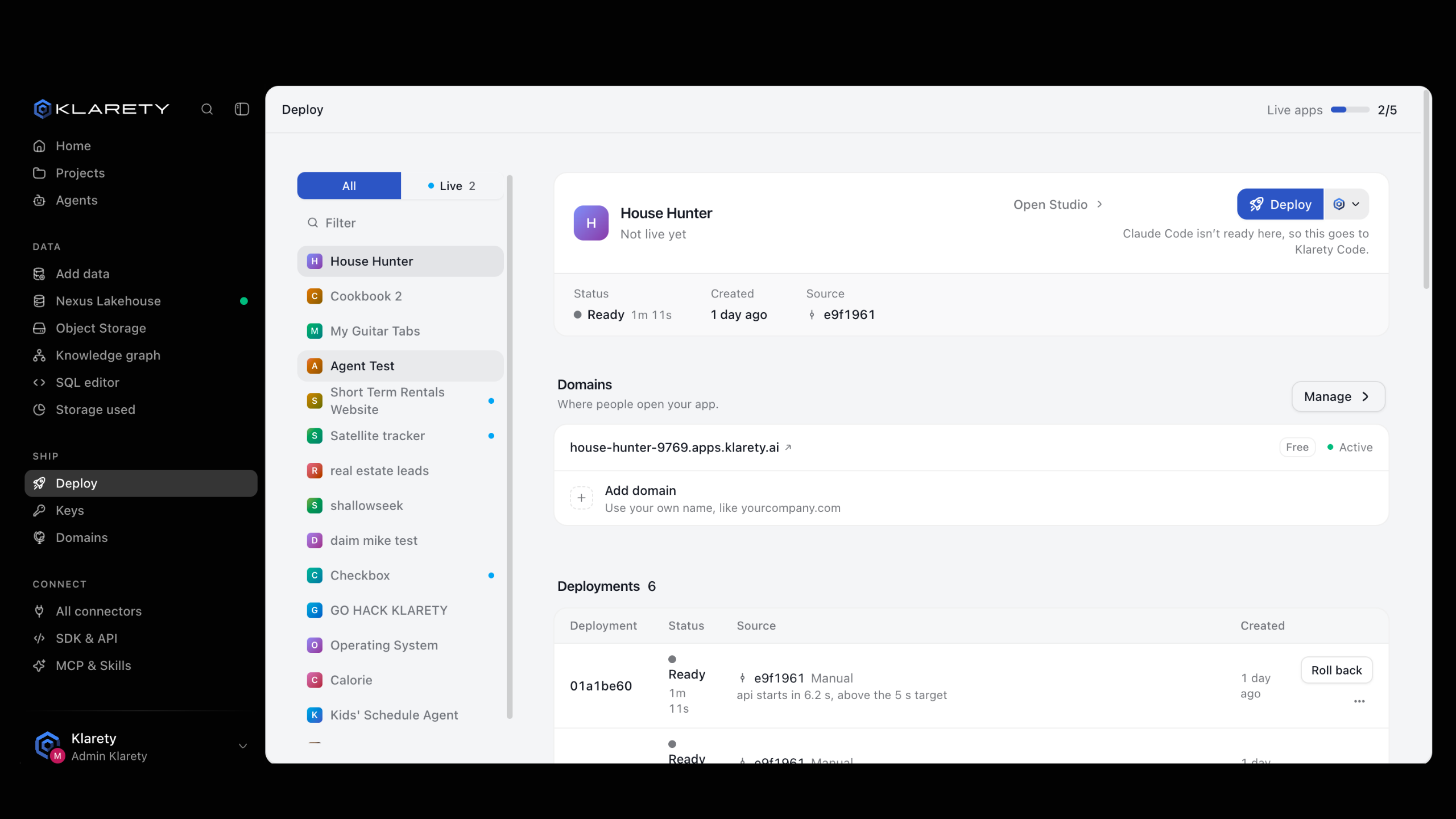
Go to Deploy and open the project, or use the project's Deploy tab. A notice reads A deploy is waiting for you (or how many are waiting), with "An AI asked to put this project live. Nothing builds until you approve."
Check what would go live
Each request shows who asked, the Commit it would build (with Branch of the repository when there is one), the files In the commit, and Waits until a time. The commit is fixed when the AI asks, so later Studio changes cannot slip in.
Decide
Select Approve and deploy to build now, or Reject to drop the request. An approved deploy appears under Deployments, credited to you.
What you see when it worked
After Approve and deploy, the button shows Starting, the notice goes away and the deploy moves through Queued, Building and Live under Deployments. After Reject, the notice goes away and nothing builds.
How long a request waits
Requests close after 30 minutes
An unanswered request closes on its own and nothing builds.
To still deploy, ask the AI to request it again.
Your plan limits how many requests can wait at once; beyond that, new ones are refused until the waiting ones are answered.
From code
From a Studio, deploy raises AwaitingApprovalError with the request's approval_id. Tell the person and wait; calling it again does not help, and approving from code is refused.
from klarety import Nexus
from klarety.errors import AwaitingApprovalError

nx = Nexus.connect()
try:
    nx.projects.deploy("PROJECT_ID")
except AwaitingApprovalError as waiting:
    print(waiting)

for request in nx.projects.deploy_approvals("PROJECT_ID"):
    print(request)
deploy_approvals lists the requests that still wait for a person.
There is nothing to do from code: a person always decides in the app.
If something goes wrong
- "this deploy was already decided, or it waited too long": someone else answered it, or the 30 minutes passed. Ask the AI to request it again.
- You do not see Approve and deploy: you cannot change this project. Ask its owner or an admin.
- The AI says too many deploys are waiting: approve or reject the waiting requests on the Deploy page first.