

All connectors
Every connector, grouped as in the app.
Every on Connectors, in the app's groups and order. Those with a guide are linked.
Two kinds of connector
| Kind | What it means | Connectors |
|---|---|---|
| Native | Built in. A admin connects it once. | GitHub |
| AI | Your 's AI prepares it; you finish it with your key or sign-in. | Every other connector |
Find a connector
Use Search connectors at the top. Data marks a connector that brings data in (also listed on the Data page under Browse all connectors). Connected marks one in use.
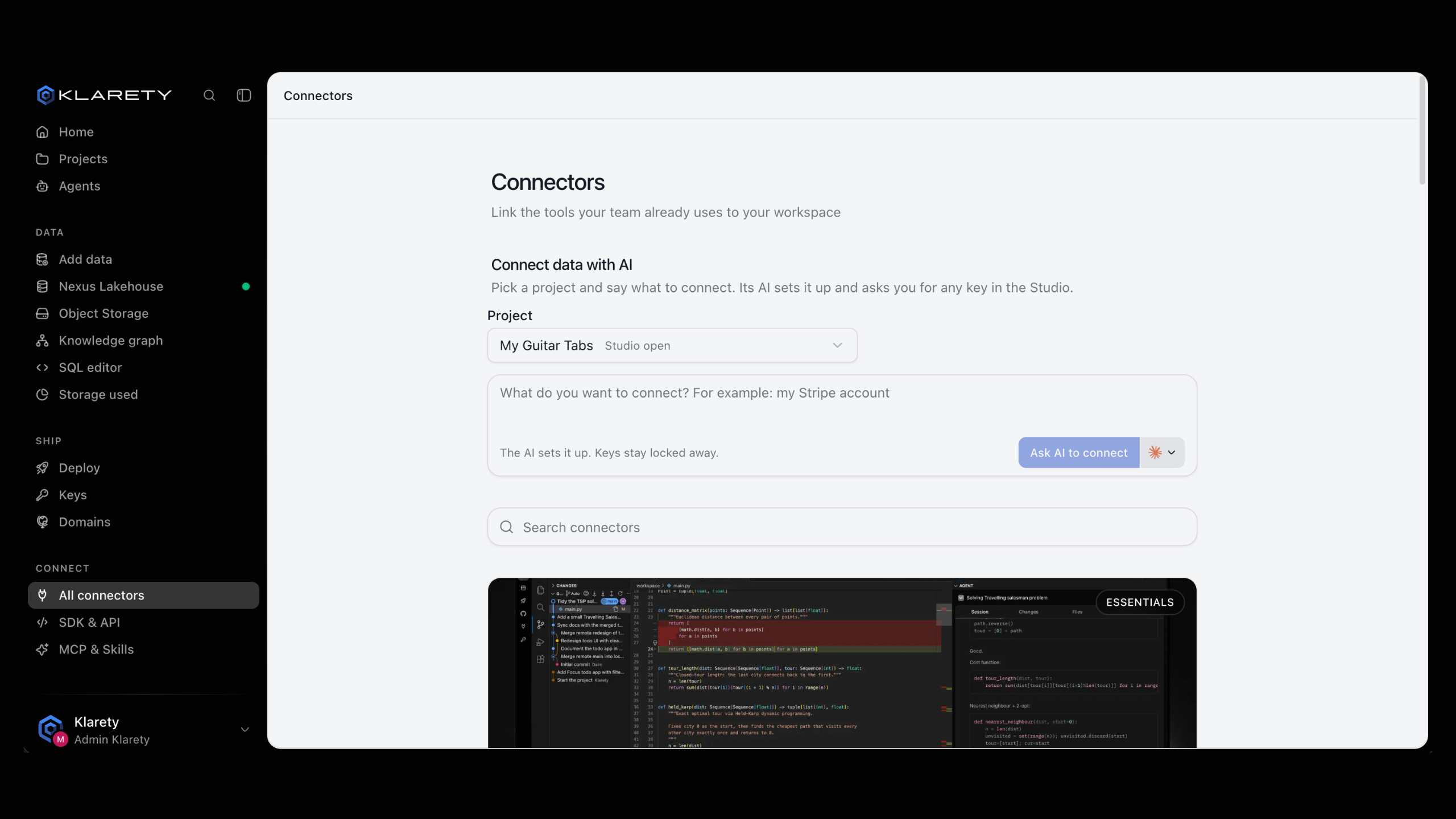
Connectors by group
Essentials
GitHub, Slack, Google Sheets, Notion
Productivity
Google Calendar, Gmail, Outlook, Microsoft Teams, Linear, Jira, Asana, Trello, Airtable, Figma
Files and storage
Google Drive, SharePoint, OneDrive, Dropbox, Amazon S3, Google Cloud Storage, Azure Blob Storage
Databases
PostgreSQL, MySQL, Supabase, Neon, MongoDB, Snowflake, BigQuery, ClickHouse
CRM and support
HubSpot, Salesforce, Pipedrive, Attio, Intercom, Zendesk
Payments and commerce
Stripe, PayPal, Square, Paddle, Shopify
Security and monitoring
Cloudflare, Okta, Auth0, Clerk, WorkOS, Snyk, Sentry, Datadog
AI and models
Hugging Face, Replicate, Kaggle
Maps and earth data
Mapbox, Google Maps Platform, ArcGIS, Planet, Sentinel Hub
Automation
Zapier, Make, n8n
Not on the list?
Any service with an API can be connected. In a project's Settings, Keys, describe it in What do you want to connect? and select Ask AI to connect. You finish it with your key.