

Send a daily report
Schedule an agent that summarises a table in plain words every morning.
In Agents, select Browse templates and pick Daily summary of a table. Let the AI fit it to your table, select Try it, then Go live. Every morning at 8 it summarises what changed.
What you will build
A live that reads the newest rows of one of your every morning and summarises what changed, in plain words. You start from a template, fit it, check one and take it live.
Before you start
- A project you can edit, and a table that gets new rows regularly (for example orders loaded each night). See Turn a spreadsheet into a table or Connect your first data source.
- To take it live: the Owner or Admin role. A live agent spends the workspace's .
Tip
Describe your table's columns first. The agent reads them, and the summary gets sharper. See Tables.
Steps
Open the templates
Go to Agents and select Browse templates.
Pick Daily summary of a table
It runs every morning at 8.
- Select Use to let the AI fit it to your data. Tell it which table to read, for example "use the orders table and focus on totals by region".
- Or select Add as a draft, as it is and change the steps yourself.
Check the schedule
Open the step that Starts the agent and change the time or days if needed. The time is shown with its time zone.
Try it once
Select Try it. The draft runs once, now; nothing goes live.
Read the summary
Open the run from Runs and look at the Result. If it misses what matters, change the step's instruction (for example "start with the total, then the three largest changes") and try again.
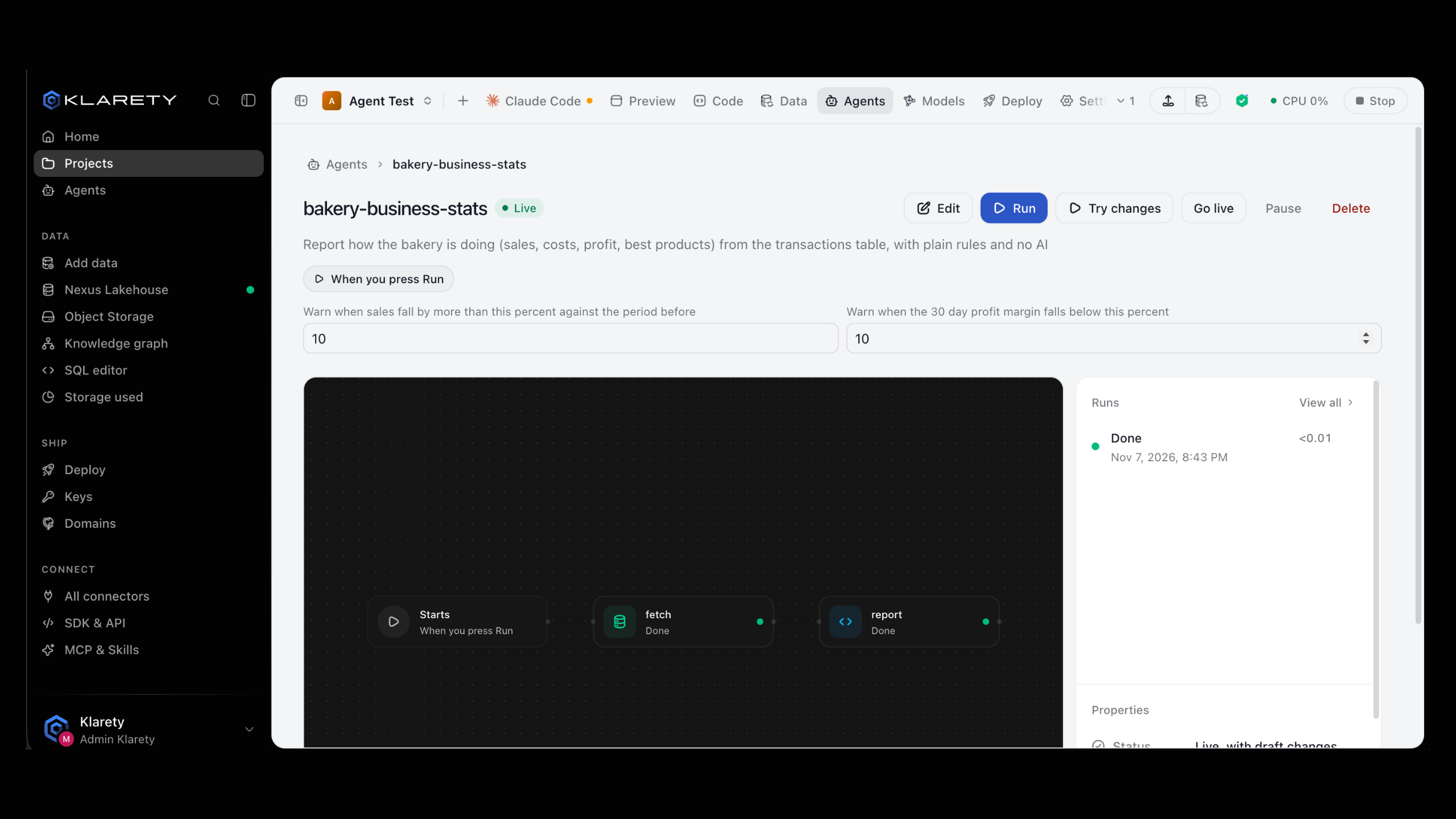
Take it live
A workspace admin selects Go live and confirms. It now runs every morning on its own.
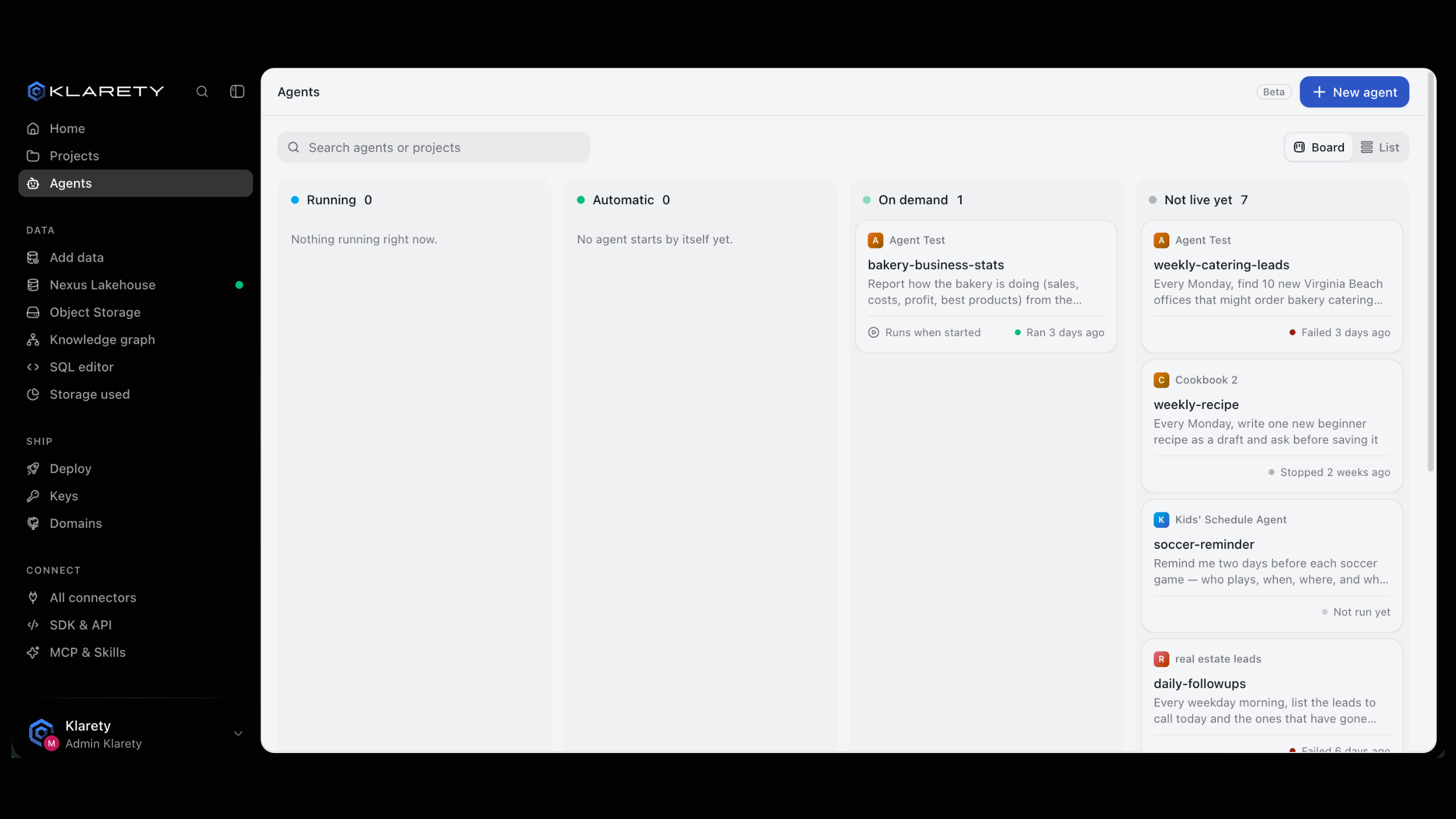
Check that it worked
- The agent's page shows it as live, starting daily at your time and time zone.
- The next morning, a new run appears under Runs with its summary and its cost in credits.
Common variations
- A weekly report as a file. The Weekly report as a file template writes a downloadable report on your tables and how they grew, every Monday at 9.
- Score each new row. The Score each new item with AI template scores each new row from 1 to 5, asks you, then saves the scores.
- Copy a web API into a table. The Copy a web API into a table template calls a web address that returns a list and adds the results to a table, keeping a history.
- Run it on demand. Change the start to run only when started, and select Run when you want a summary.
If something goes wrong
Next steps
- Templates: every ready-made agent.
- Runs: read and re-run any run.
- Build your first agent: describe an agent from scratch.